
IAM Access Keys and Credential Management: The Security Lifecycle
Tarek Cheikh
Founder & AWS Cloud Architect
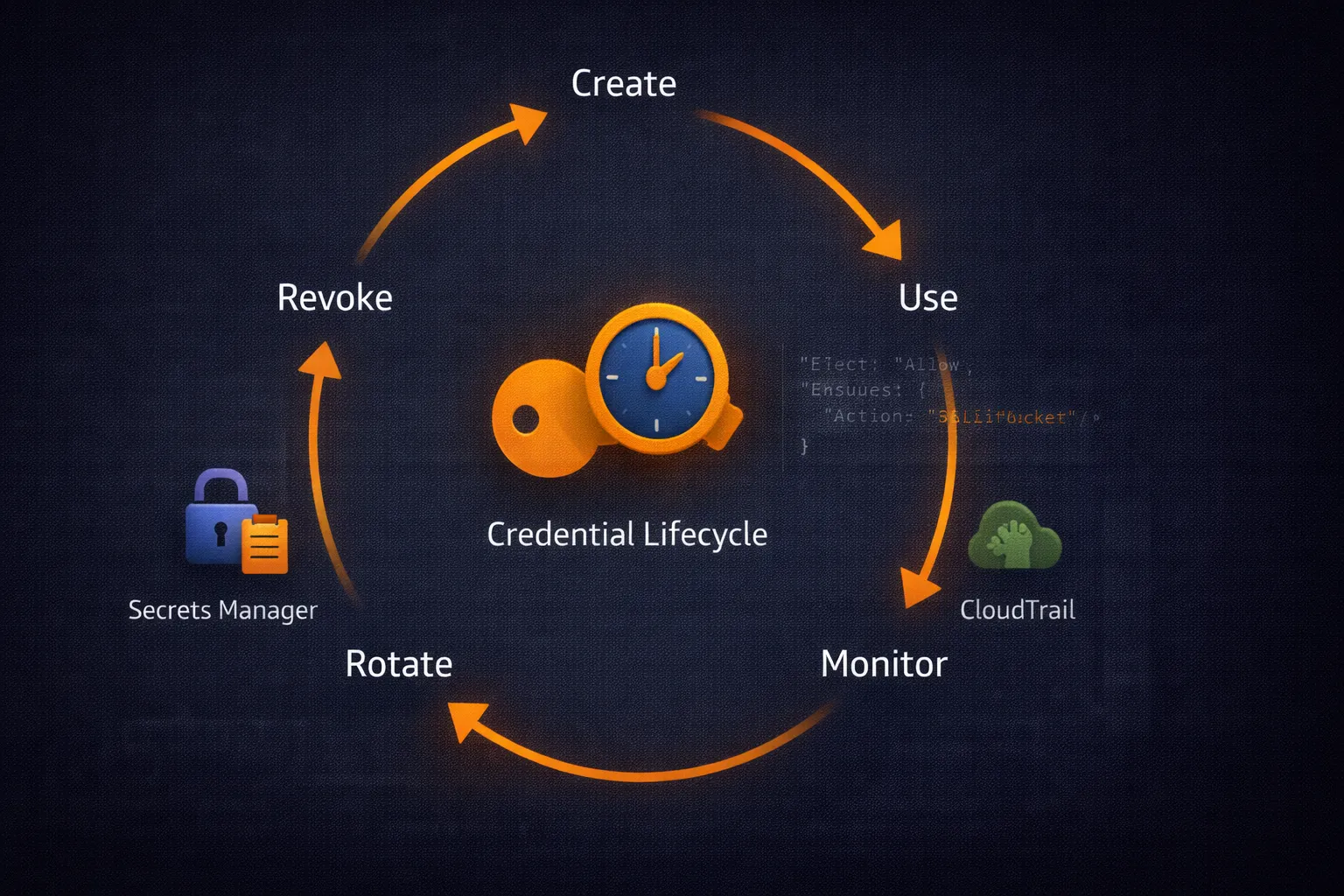
In the previous articles, we covered IAM users, policies, and roles. Roles with temporary credentials are the preferred approach, but there are still cases where long-lived access keys are necessary: CI/CD systems that do not support OIDC, legacy applications, third-party integrations, or local development. This article covers how to manage those credentials securely throughout their lifecycle.
AWS Credential Types
1. Long-Term Credentials (Access Keys)
Permanent credentials associated with IAM users:
- Access Key ID: Public identifier (e.g.,
AKIAIOSFODNN7EXAMPLE) - Secret Access Key: Private key for signing requests
2. Temporary Credentials (STS)
Short-lived credentials issued by AWS Security Token Service:
- Duration: 15 minutes to 12 hours
- Source: role assumption, federation, or
GetSessionToken - Automatically expire, limiting exposure if compromised
3. Instance Profiles / Container Credentials
Credentials delivered automatically to EC2 instances and ECS tasks through metadata services. Rotation is handled transparently by AWS. This is the most secure option for workloads running on AWS.
Credential Resolution Order
The AWS SDK resolves credentials in this order:
- Environment variables:
AWS_ACCESS_KEY_ID,AWS_SECRET_ACCESS_KEY,AWS_SESSION_TOKEN - Shared credentials file:
~/.aws/credentials - AWS config file:
~/.aws/config(with profiles) - Container credentials: ECS task role
- Instance profile: EC2 instance role via IMDS
Understanding this hierarchy prevents credential conflicts. A stale environment variable will override a correctly configured profile.
Access Key Rotation
The key rotation process must be zero-downtime: create the new key, update consumers, verify, then delete the old key.
#!/usr/bin/env python3
"""Automated access key rotation with zero-downtime."""

from datetime import datetime, timedelta
import time
import boto3
from botocore.exceptions import ClientError


def rotate_access_keys(username, max_age_days=90):
    """Rotate access keys older than max_age_days."""
    iam = boto3.client('iam')

    keys = iam.list_access_keys(UserName=username)['AccessKeyMetadata']
    cutoff = datetime.utcnow() - timedelta(days=max_age_days)

    for key in keys:
        if key['CreateDate'].replace(tzinfo=None) < cutoff:
            old_key_id = key['AccessKeyId']

            # Step 1: Create new key
            new_key = iam.create_access_key(UserName=username)['AccessKey']
            print(f"[OK] Created new key: {new_key['AccessKeyId']}")

            # Step 2: Update application config (implement per your setup)
            # update_application_config(new_key['AccessKeyId'], new_key['SecretAccessKey'])

            # Step 3: Test new key
            test_session = boto3.Session(
                aws_access_key_id=new_key['AccessKeyId'],
                aws_secret_access_key=new_key['SecretAccessKey']
            )
            try:
                test_session.client('sts').get_caller_identity()
                print(f"[OK] New key verified")
            except ClientError:
                # Rollback
                iam.delete_access_key(UserName=username, AccessKeyId=new_key['AccessKeyId'])
                print(f"[FAIL] New key failed verification, rolled back")
                continue

            # Step 4: Deactivate old key
            iam.update_access_key(
                UserName=username,
                AccessKeyId=old_key_id,
                Status='Inactive'
            )
            print(f"[OK] Deactivated old key: {old_key_id}")

            # Step 5: Wait, then delete
            time.sleep(60)
            iam.delete_access_key(UserName=username, AccessKeyId=old_key_id)
            print(f"[OK] Deleted old key: {old_key_id}")


if __name__ == "__main__":
    rotate_access_keys("service-account-ci")
Credential Monitoring
Monitor access key usage through CloudTrail to detect anomalies:
#!/usr/bin/env python3
"""Analyze credential usage patterns for security insights."""

from datetime import datetime, timedelta
import boto3


def find_old_access_keys(max_age_days=90):
    """Find all access keys older than the threshold."""
    iam = boto3.client('iam')
    users = iam.list_users()['Users']
    findings = []

    for user in users:
        username = user['UserName']
        keys = iam.list_access_keys(UserName=username)['AccessKeyMetadata']

        for key in keys:
            age = (datetime.utcnow() - key['CreateDate'].replace(tzinfo=None)).days

            if age > max_age_days:
                findings.append({
                    'user': username,
                    'key_id': key['AccessKeyId'],
                    'age_days': age,
                    'status': key['Status']
                })

    return findings


def find_unused_keys(days_unused=30):
    """Find access keys that have not been used recently."""
    iam = boto3.client('iam')
    users = iam.list_users()['Users']
    unused = []

    for user in users:
        username = user['UserName']
        keys = iam.list_access_keys(UserName=username)['AccessKeyMetadata']

        for key in keys:
            if key['Status'] == 'Active':
                last_used = iam.get_access_key_last_used(
                    AccessKeyId=key['AccessKeyId']
                )['AccessKeyLastUsed']

                last_date = last_used.get('LastUsedDate')
                if last_date:
                    idle_days = (datetime.utcnow() - last_date.replace(tzinfo=None)).days
                    if idle_days > days_unused:
                        unused.append({
                            'user': username,
                            'key_id': key['AccessKeyId'],
                            'last_used': last_date.isoformat(),
                            'idle_days': idle_days
                        })
                else:
                    unused.append({
                        'user': username,
                        'key_id': key['AccessKeyId'],
                        'last_used': 'Never',
                        'idle_days': -1
                    })

    return unused


if __name__ == "__main__":
    print("Old access keys (> 90 days)")
    print("=" * 50)
    for f in find_old_access_keys():
        print(f"  {f['user']}: {f['key_id']} ({f['age_days']} days, {f['status']})")

    print()
    print("Unused access keys (> 30 days)")
    print("=" * 50)
    for u in find_unused_keys():
        print(f"  {u['user']}: {u['key_id']} (last used: {u['last_used']})")
Secrets Manager Integration
For applications that need credentials at runtime, AWS Secrets Manager provides secure storage with automatic rotation support:
#!/usr/bin/env python3
"""Store and retrieve credentials using AWS Secrets Manager."""

import json
from datetime import datetime
import boto3
from botocore.exceptions import ClientError


def store_credentials(secret_name, access_key_id, secret_access_key):
    """Store access key pair in Secrets Manager."""
    client = boto3.client('secretsmanager')

    secret_value = json.dumps({
        'access_key_id': access_key_id,
        'secret_access_key': secret_access_key,
        'stored_date': datetime.utcnow().isoformat()
    })

    try:
        client.create_secret(
            Name=secret_name,
            SecretString=secret_value,
            Description='AWS access credentials for application'
        )
        print(f"[OK] Stored credentials: {secret_name}")
    except ClientError as e:
        if e.response['Error']['Code'] == 'ResourceExistsException':
            client.update_secret(SecretId=secret_name, SecretString=secret_value)
            print(f"[OK] Updated credentials: {secret_name}")
        else:
            raise


def get_credentials(secret_name):
    """Retrieve credentials from Secrets Manager."""
    client = boto3.client('secretsmanager')
    response = client.get_secret_value(SecretId=secret_name)
    return json.loads(response['SecretString'])
Secrets Manager also supports automatic rotation via Lambda functions. You can configure rotation schedules (e.g., every 30 days) and Secrets Manager will invoke your Lambda to create a new key and update the secret automatically.
Preventing Credential Leaks
The most common credential compromise vector is accidental commits to version control. Use multiple layers of defense:
1. Git Pre-Commit Hooks
#!/bin/bash
# .git/hooks/pre-commit
# Detect AWS access keys before commit

if git diff --cached --diff-filter=ACM | grep -qE "AKIA[0-9A-Z]{16}"; then
    echo "[BLOCKED] AWS Access Key ID detected in staged changes"
    exit 1
fi

echo "[OK] No credentials detected"
exit 0
For more robust scanning, use dedicated tools like git-secrets from AWS Labs or TruffleHog.
2. .gitignore
# Always exclude credential files
.env
.aws/
*.pem
*credentials*
3. AWS Config Rules
Use the managed Config rule access-keys-rotated to continuously monitor key age across your account. The rule flags non-compliant keys automatically.
Cross-Account Credential Management
For multi-account environments, centralize credential management through role assumption:
#!/usr/bin/env python3
"""Centralized credential service for multi-account access."""

from datetime import datetime
import time
import boto3
from botocore.exceptions import ClientError


class CredentialService:
    """Manage cross-account credentials with caching."""

    def __init__(self):
        self._cache = {}

    def get_session(self, account_id, role_name, duration=3600):
        """Get a boto3 session for a target account."""
        cache_key = f"{account_id}:{role_name}"

        # Return cached session if credentials are still valid
        if cache_key in self._cache:
            creds, expiry = self._cache[cache_key]
            if datetime.utcnow() < expiry:
                return boto3.Session(
                    aws_access_key_id=creds['AccessKeyId'],
                    aws_secret_access_key=creds['SecretAccessKey'],
                    aws_session_token=creds['SessionToken']
                )

        # Assume role in target account
        sts = boto3.client('sts')
        role_arn = f"arn:aws:iam::{account_id}:role/{role_name}"

        try:
            response = sts.assume_role(
                RoleArn=role_arn,
                RoleSessionName=f"central-{int(time.time())}",
                DurationSeconds=duration
            )
            creds = response['Credentials']
            self._cache[cache_key] = (creds, creds['Expiration'].replace(tzinfo=None))

            return boto3.Session(
                aws_access_key_id=creds['AccessKeyId'],
                aws_secret_access_key=creds['SecretAccessKey'],
                aws_session_token=creds['SessionToken']
            )
        except ClientError as e:
            print(f"[FAIL] Cannot assume role {role_arn}: {e}")
            return None


# Usage
service = CredentialService()
dev_session = service.get_session("123456789012", "DeveloperRole")
if dev_session:
    s3 = dev_session.client('s3')
    buckets = s3.list_buckets()['Buckets']
    print(f"[OK] Found {len(buckets)} buckets in dev account")
Compliance Reporting
Generate credential compliance reports for auditing:
#!/usr/bin/env python3
"""Generate credential compliance report."""

from datetime import datetime
import boto3


def generate_report():
    """Audit all access keys and generate compliance summary."""
    iam = boto3.client('iam')
    users = iam.list_users()['Users']

    report = {
        'date': datetime.utcnow().isoformat(),
        'total_users': len(users),
        'users_with_keys': 0,
        'active_keys': 0,
        'keys_over_90_days': 0,
        'keys_never_used': 0,
        'mfa_enabled': 0,
        'violations': []
    }

    for user in users:
        username = user['UserName']
        keys = iam.list_access_keys(UserName=username)['AccessKeyMetadata']

        # Check MFA
        mfa_devices = iam.list_mfa_devices(UserName=username)['MFADevices']
        if mfa_devices:
            report['mfa_enabled'] += 1

        if keys:
            report['users_with_keys'] += 1

        for key in keys:
            if key['Status'] == 'Active':
                report['active_keys'] += 1
                age = (datetime.utcnow() - key['CreateDate'].replace(tzinfo=None)).days

                if age > 90:
                    report['keys_over_90_days'] += 1
                    report['violations'].append(
                        f"{username}: key {key['AccessKeyId']} is {age} days old"
                    )

                last_used = iam.get_access_key_last_used(
                    AccessKeyId=key['AccessKeyId']
                )['AccessKeyLastUsed']
                if 'LastUsedDate' not in last_used:
                    report['keys_never_used'] += 1
                    report['violations'].append(
                        f"{username}: key {key['AccessKeyId']} has never been used"
                    )

    return report


if __name__ == "__main__":
    r = generate_report()
    print(f"Credential Compliance Report - {r['date']}")
    print("=" * 60)
    print(f"Total users:        {r['total_users']}")
    print(f"Users with keys:    {r['users_with_keys']}")
    print(f"Active keys:        {r['active_keys']}")
    print(f"Keys > 90 days:     {r['keys_over_90_days']}")
    print(f"Keys never used:    {r['keys_never_used']}")
    print(f"MFA enabled:        {r['mfa_enabled']}/{r['total_users']}")
    if r['violations']:
        print(f"\nViolations ({len(r['violations'])}):")
        for v in r['violations']:
            print(f"  - {v}")
Key Takeaways
- Prefer temporary credentials (roles, OIDC) over long-lived access keys wherever possible
- Automate key rotation with zero-downtime: create new, test, deactivate old, delete old
- Monitor key age and usage with scripts and AWS Config rules
- Use Secrets Manager for applications that need credentials at runtime
- Prevent leaks with git-secrets, pre-commit hooks, and .gitignore
- Generate compliance reports regularly to catch stale or unused keys
- Use the credential service pattern for centralized multi-account access
In the next article, we will explore HashiCorp Vault with AWS — dynamic secrets that eliminate static credentials entirely for enterprise environments.
Go Deeper: The State of AWS Security 2026
This article is just the start. Get the full picture with our free whitepaper - 8 chapters covering IAM, S3, VPC, monitoring, agentic AI security, compliance, and a prioritized action plan with 50+ CLI commands.
More Articles
Run AI Locally for AWS Security Work: The Complete Ollama Guide
Stop sending your IAM policies, CloudTrail logs, and infrastructure code to third-party APIs. Run LLMs locally with Ollama on Apple Silicon: private, offline, fast. Complete setup guide with AWS security use cases.
We Detonated the Real LiteLLM Malware on EC2: Here's What Happened
We obtained the actual compromised litellm packages, set up a disposable EC2 instance with honeypot credentials and mitmproxy, and detonated the malware. Full evidence: fork bomb, credential theft in under 2 seconds, IMDS queries, AWS API calls, and C2 exfiltration.
Anatomy of a Supply Chain Attack: How LiteLLM Was Weaponized in 6 Hours
A deep technical breakdown of how threat actor TeamPCP compromised Trivy, pivoted to LiteLLM, and turned a popular AI proxy into a credential-stealing weapon targeting AWS IMDS, Secrets Manager, and Kubernetes.