
The Anatomy of S3 Security: 22 Checks That Stand Between You and a Data Breach
Tarek Cheikh
Founder & AWS Cloud Architect
Part 2 of 4 in the S3 Security Series
In the first article of this series, I walked through the major S3 data breaches of the past decade. The pattern was consistent: misconfigured buckets, missing encryption, inadequate access controls.
Now let's talk about what proper S3 security actually looks like.
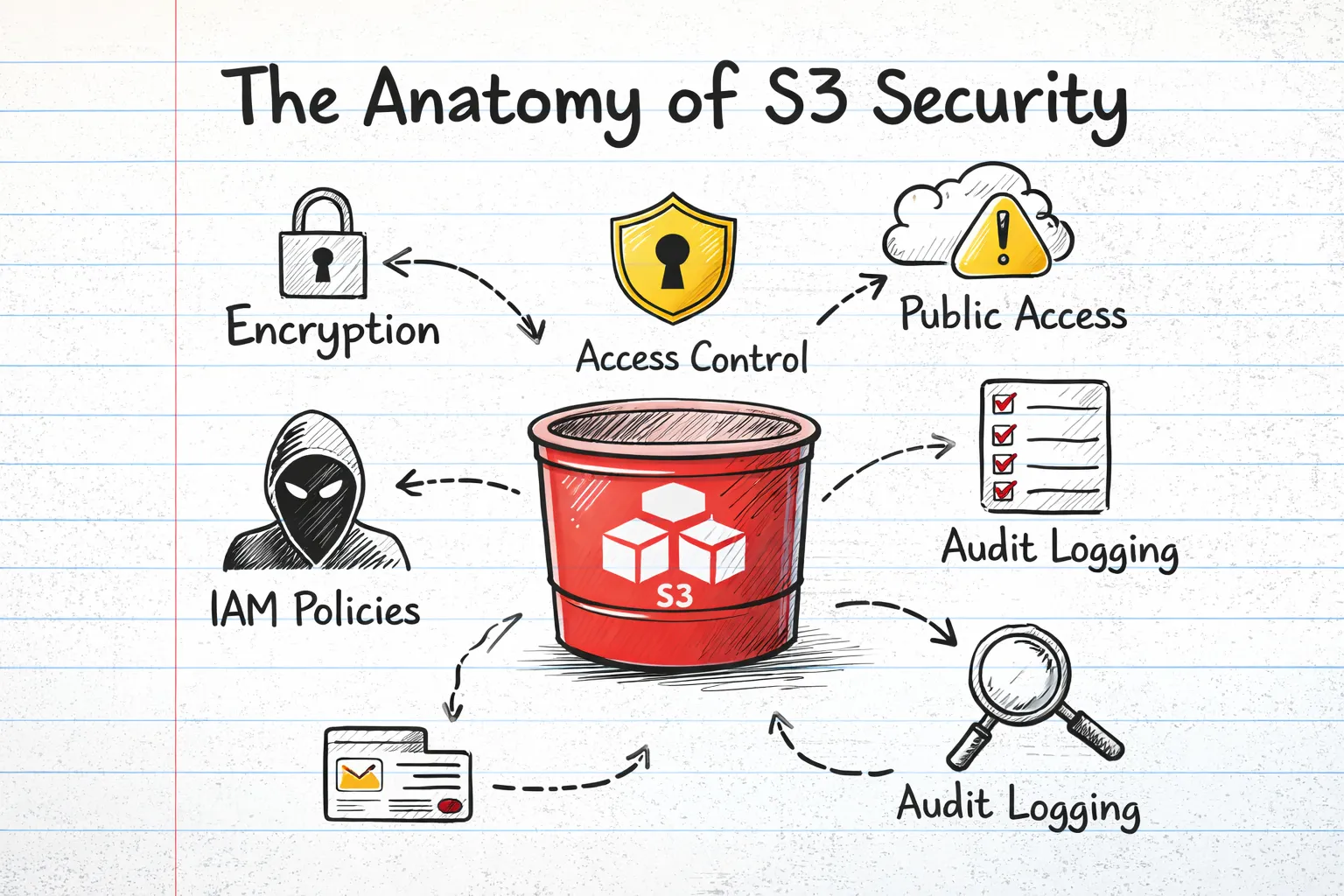
After years of working with AWS and helping organizations secure their cloud infrastructure, I've identified 22 critical security checks that every S3 bucket needs. These aren't arbitrary recommendations — they're derived from nine major compliance frameworks that the industry has settled on as best practices.
Let me break them down for you.
The Security Check Categories
I organize S3 security into six main categories:
- Access Control — Who can access your data and how
- Encryption & Data Protection — Protecting data at rest and in transit
- Versioning & Lifecycle — Data recovery and retention
- Monitoring & Logging — Visibility into bucket activity
- DNS Security — Preventing subdomain takeover attacks
- Object-Level Security — Individual object permissions and CORS
Let's dive into each.
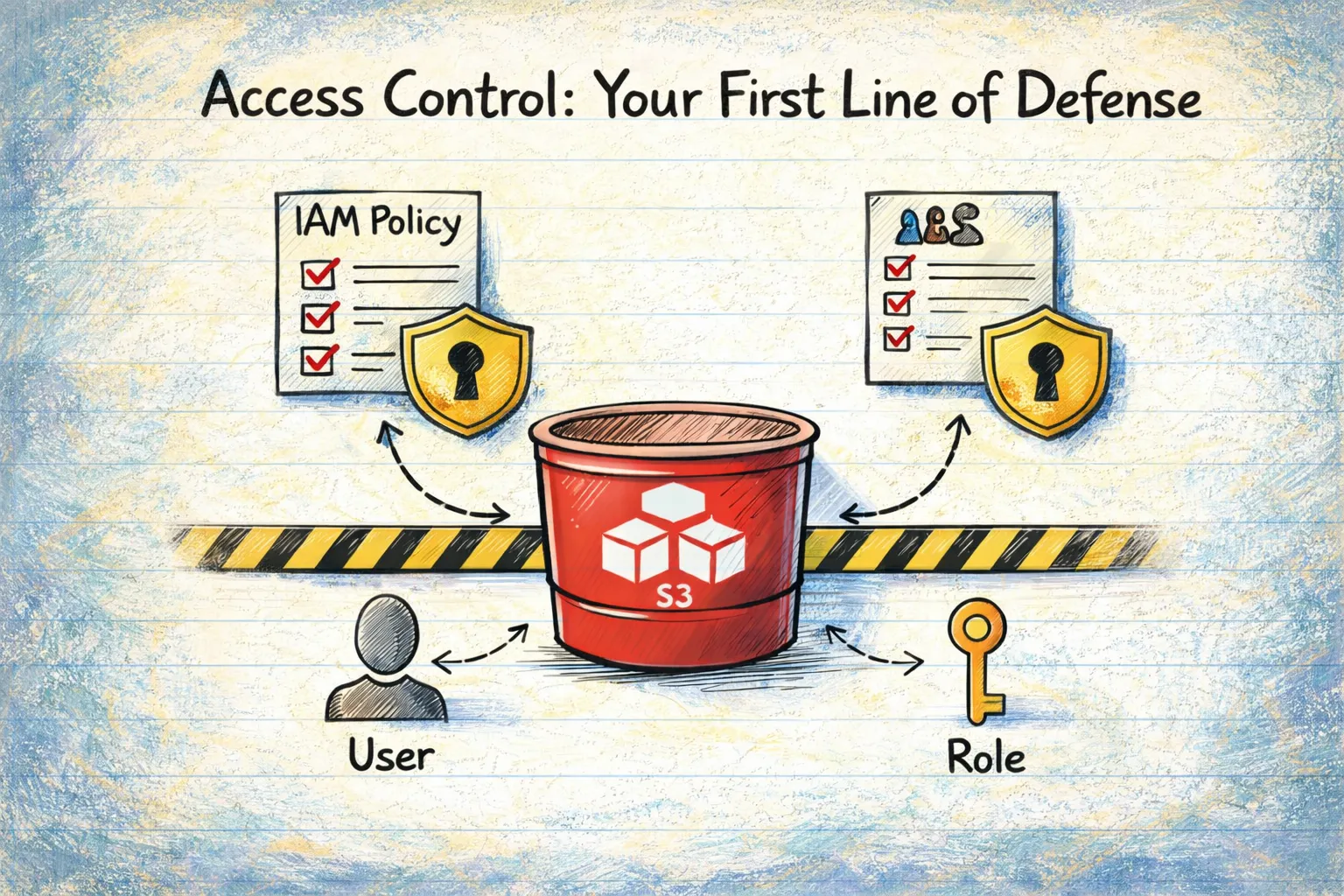
Access Control: Your First Line of Defense
1. Public Access Block Configuration
This is the single most important security control for S3. It's your safety net — even if you accidentally misconfigure something else, Public Access Block prevents your bucket from becoming publicly accessible.
There are four settings, and all four should be enabled:
- BlockPublicAcls — Prevents new public ACLs
- IgnorePublicAcls — Ignores existing public ACLs
- BlockPublicPolicy — Prevents new public bucket policies
- RestrictPublicBuckets — Restricts public bucket access
Remember the Capital One breach? A properly configured Public Access Block would have been one layer of defense against that attack.
2. Bucket Policy Analysis
Bucket policies are JSON documents that define who can do what with your bucket. The two critical things to check:
No wildcard principals: A policy with "Principal": "*" grants access to everyone on the internet. Unless you're intentionally hosting public content (and have other safeguards), this is almost never what you want.
SSL enforcement: Your bucket policy should deny any request that doesn't use HTTPS. Without this, data transmitted to and from your bucket can be intercepted in transit.
Here's what an SSL enforcement policy looks like:
{
  "Version": "2012-10-17",
  "Statement": [{
    "Effect": "Deny",
    "Principal": "*",
    "Action": "s3:*",
    "Resource": ["arn:aws:s3:::your-bucket/*"],
    "Condition": {
      "Bool": {"aws:SecureTransport": "false"}
    }
  }]
}
3. Bucket ACL Analysis
Access Control Lists (ACLs) are a legacy access control mechanism. While AWS now recommends using bucket policies instead, ACLs are still supported and can create vulnerabilities.
Check for grants to:
AllUsers— Literally everyone on the internetAuthenticatedUsers— Any AWS account holder (not just your organization)
The Verizon breach I mentioned in Part 1? That was caused by a third-party vendor's misconfigured ACLs.
4. Wildcard Principal Detection (CIS S3.2)
This deserves its own check because it's so dangerous. A wildcard principal ("Principal": "*") in a bucket policy effectively makes your bucket public to any AWS account globally.
The barrier to exploitation is essentially zero — anyone with a free-tier AWS account can access your data.
5. Cross-Account Access (AWS FSBP S3.6)
Even if you've blocked public access, you might be inadvertently sharing data with other AWS accounts. This check identifies bucket policies that grant access to external accounts.
Sometimes cross-account access is intentional and necessary. But it should be documented and reviewed regularly.
Encryption & Data Protection
6. Server-Side Encryption
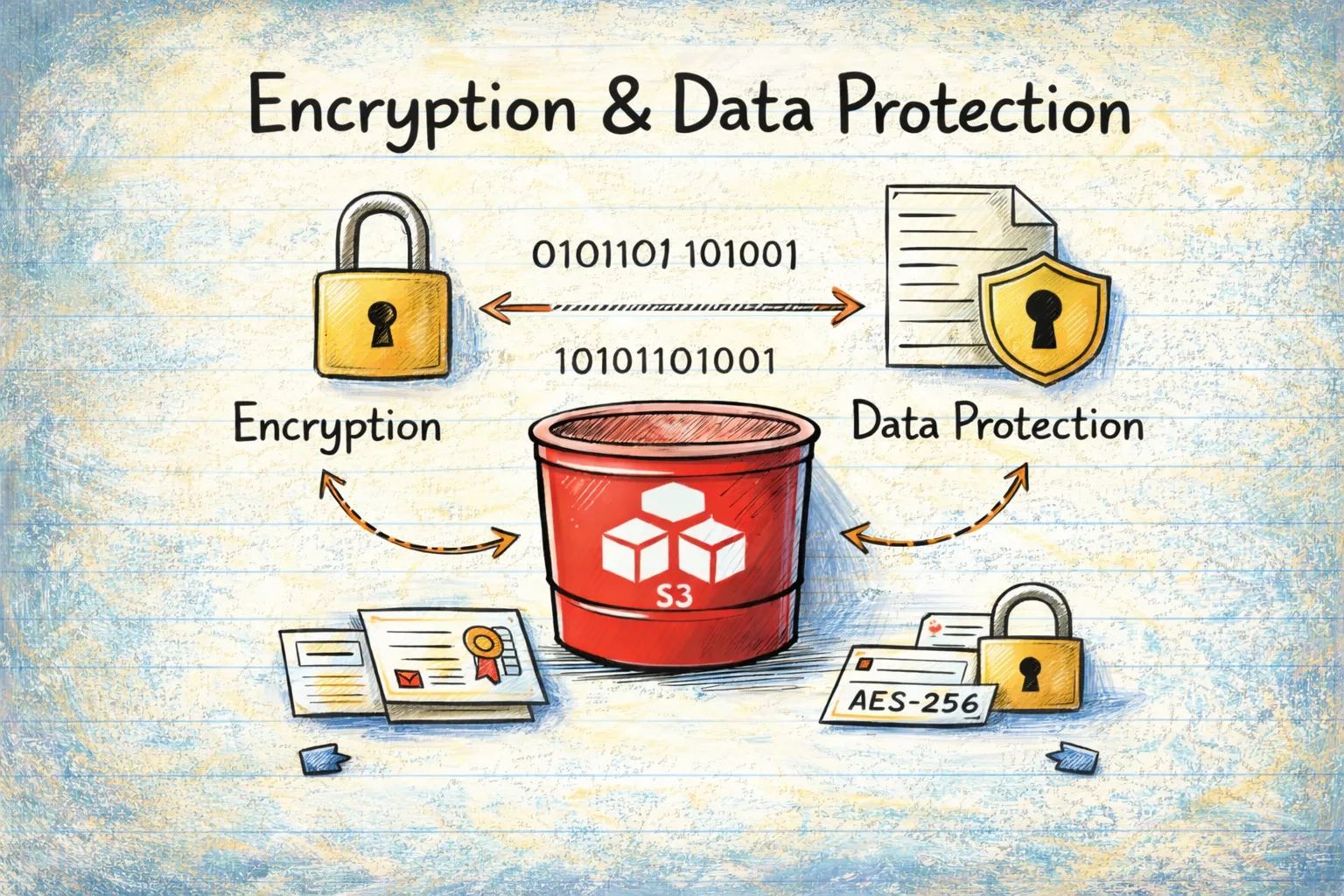
Every S3 bucket should have default encryption enabled. When someone uploads a file, it should be encrypted automatically.
AWS offers three options:
- SSE-S3: Amazon manages the keys (simplest)
- SSE-KMS: You manage keys through AWS Key Management Service (more control)
- SSE-C: You provide your own keys (most control, most complexity)
For most use cases, SSE-S3 or SSE-KMS is appropriate. The important thing is that something is enabled.
Unencrypted data at rest is a compliance violation for virtually every framework: PCI-DSS, HIPAA, GDPR, SOC 2 — they all require encryption.
7. KMS Key Management
If you're using SSE-KMS (which you should for sensitive data), the key itself needs proper management:
- Key rotation: KMS keys should be rotated annually
- Access controls: Only necessary services and roles should have key access
- Customer-managed vs AWS-managed: For sensitive data, customer-managed keys give you more control
Versioning & Lifecycle Management
8. Versioning Status
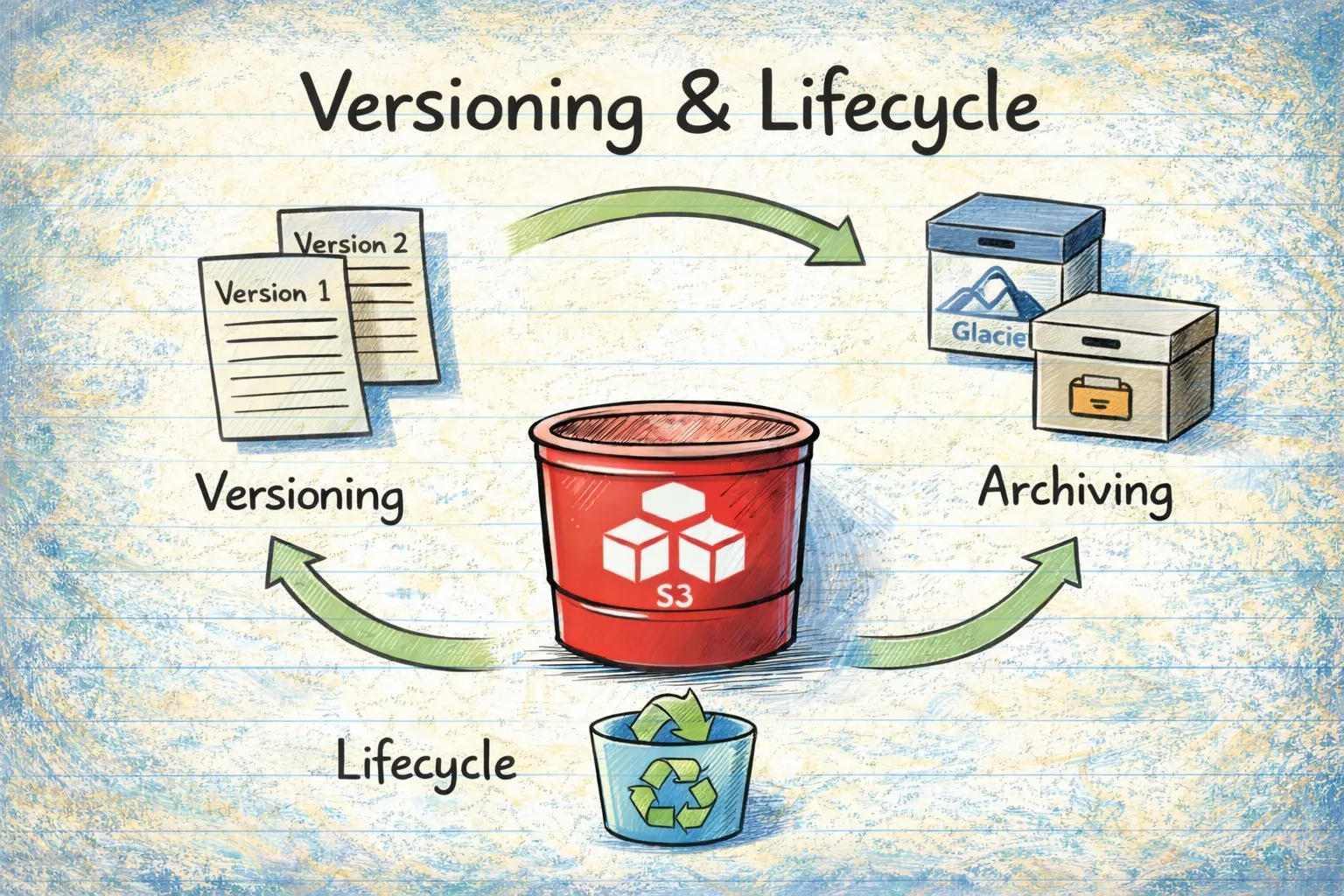
Versioning keeps multiple copies of objects, allowing you to recover from accidental deletions or modifications. Think of it as version control for your data.
Without versioning, if ransomware encrypts your S3 objects or a malicious insider deletes them, they're gone. With versioning, you can restore previous versions.
9. MFA Delete (CIS S3.20)
MFA Delete adds an extra layer of protection — even with valid credentials, someone can't delete object versions without providing a valid MFA token.
This is particularly important for:
- Audit logs
- Financial records
- Compliance data
- Backup files
10. Lifecycle Rules (AWS FSBP S3.13)
Lifecycle rules automatically transition objects between storage classes or delete them after a specified period. This matters for security because:
- Data minimization: You shouldn't keep data longer than necessary (GDPR requirement)
- Attack surface reduction: Less data = less exposure if breached
- Cost management: Old data should move to cheaper storage tiers
11. Object Lock
Object Lock provides WORM (Write Once, Read Many) capability — objects cannot be deleted or overwritten for a specified period.
Two modes exist:
- Governance mode: Can be overridden by users with specific permissions
- Compliance mode: Cannot be overridden by anyone, including the root user
This is essential for regulatory compliance where you need to prove data hasn't been tampered with.
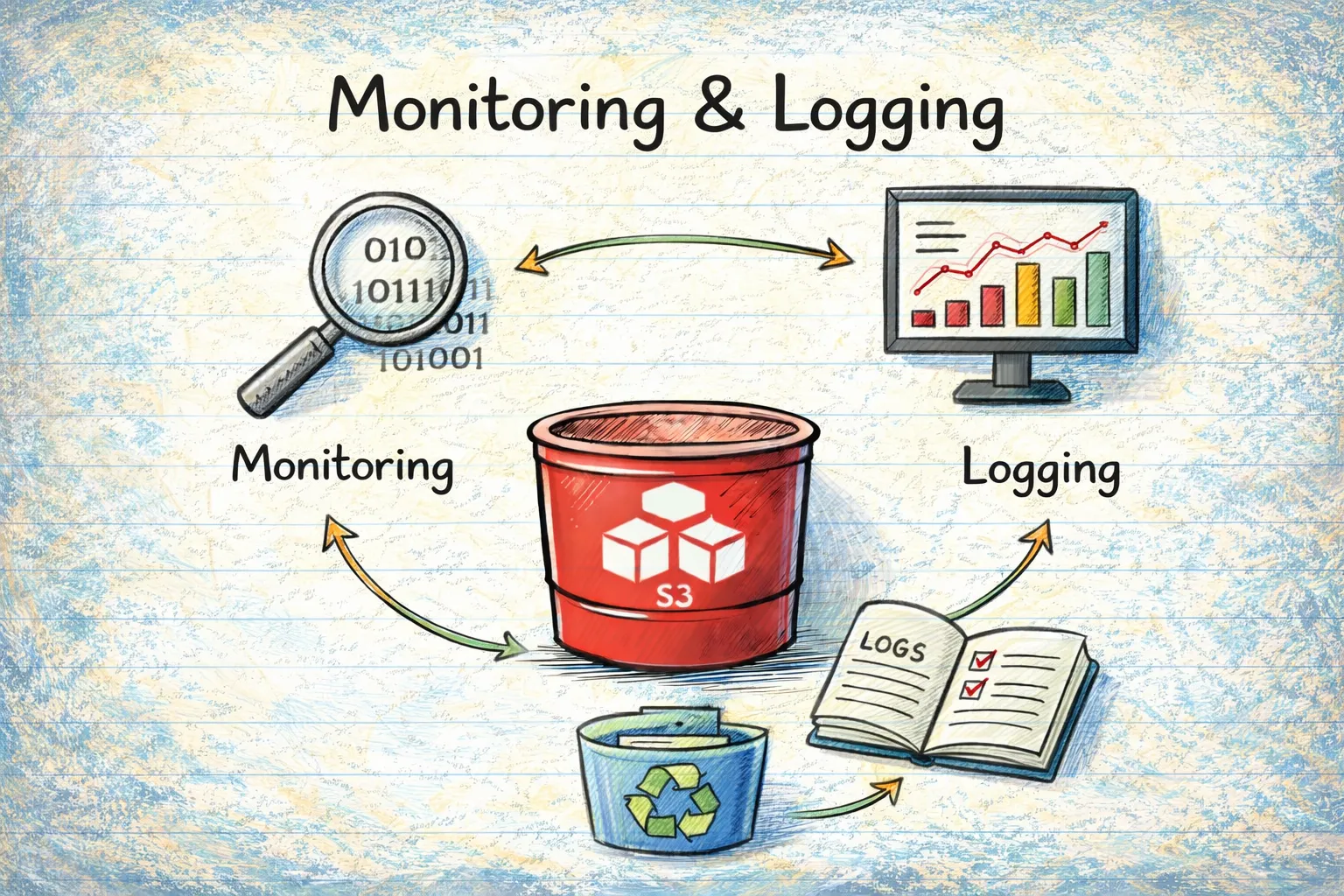
Monitoring & Logging
12. Server Access Logging
Server access logging records all requests to your bucket. Without it, you have no audit trail.
If a breach occurs, the first question investigators ask is: "What was accessed?" Without logs, you can't answer that question.
This is required by:
- HIPAA (audit controls)
- SOX (financial audit trails)
- PCI-DSS (cardholder data access tracking)
- GDPR (demonstration of compliance)
13. Event Notifications (CIS S3.11)
Event notifications trigger actions when specific events occur in your bucket — object creation, deletion, or restoration.
For security, this enables:
- Real-time alerting on suspicious activity
- Automated incident response
- Integration with SIEM systems
14. Cross-Region Replication (CIS S3.13)
Replication copies objects to a bucket in another region. This provides:
- Disaster recovery: Regional outages won't result in data loss
- Ransomware protection: If your primary bucket is compromised, you have a backup in another region
- Compliance: Some regulations require geographic redundancy
Threat Detection
15. GuardDuty S3 Protection
Amazon GuardDuty is AWS's threat detection service. When enabled for S3, it monitors:
- Anomalous data access patterns
- Unauthorized access attempts
- Data exfiltration attempts
- Compromised credentials accessing S3
This is your early warning system for attacks in progress.
16. Amazon Macie
Macie uses machine learning to automatically discover and protect sensitive data:
- PII (Personally Identifiable Information)
- PHI (Protected Health Information)
- Financial data (credit cards, bank accounts)
- Credentials and secrets
You can't protect data you don't know about. Macie helps you find sensitive data you might not realize you're storing.
DNS Security
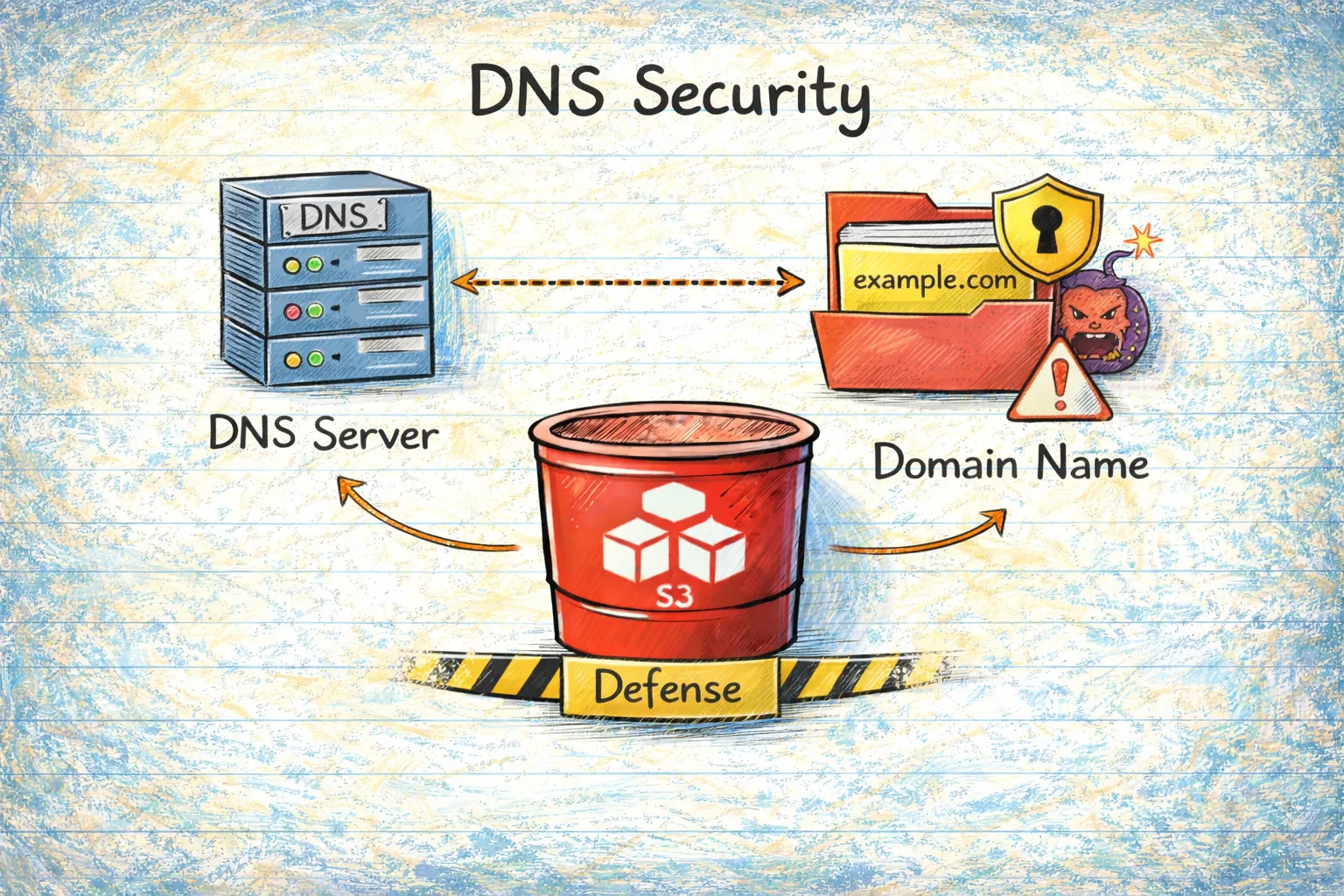
17. Route53 DNS Record Analysis
This is a critical and often overlooked vulnerability. If you have DNS records (CNAMEs) pointing to S3 buckets that no longer exist, attackers can:
- Create a bucket with the same name
- Serve malicious content on your domain
- Harvest credentials through phishing
- Damage your reputation
I've seen this happen more times than I'd like to admit. A team decommissions a project, deletes the S3 bucket, but forgets to remove the DNS record. Months later, someone discovers it and claims the bucket.
18. CNAME Information Disclosure
Even if your DNS records point to valid buckets, the bucket names themselves can leak information:
company-prod-api-v2.s3.amazonaws.com
This tells an attacker your naming convention. They can then guess:
company-staging-api-v2company-dev-database-backupcompany-prod-secrets
Use non-descriptive bucket names or CloudFront to obscure your S3 endpoints.
Object-Level Security
19. CORS Configuration
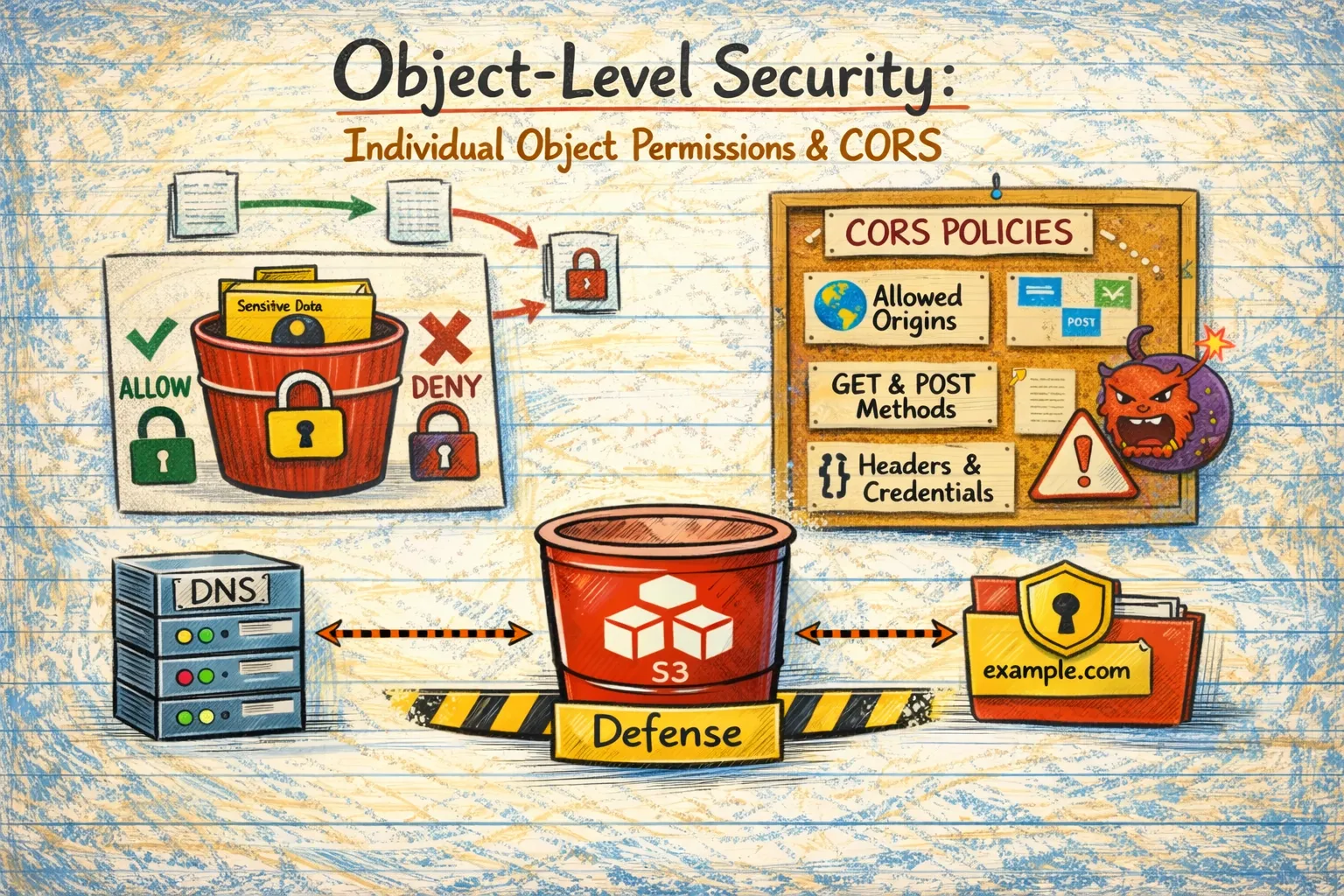
Cross-Origin Resource Sharing (CORS) controls which domains can access your bucket from a web browser.
A wildcard CORS origin (*) allows any website to access your bucket's data through a user's browser. This enables:
- Data theft from authenticated users
- Cross-site scripting attacks
- Session hijacking
If you need CORS, specify exactly which origins are allowed.
20. Object-Level ACLs
Even if your bucket is private, individual objects can have public ACLs. This happens when someone uploads an object with --acl public-read or through applications that default to public access.
One public object in an otherwise secure bucket is still a data leak.
21. Sensitive Data Pattern Detection
Object names themselves can indicate sensitive content:
customer-ssn-list.csvpayment-credit-cards.xlsxdatabase-backup.sqlaws-access-keys.txtserver-private-key.pem
These files deserve extra scrutiny and protection.
22. Public Object Detection
Beyond ACLs, objects can be made public through bucket policies. This check identifies objects that are accessible to anyone on the internet, regardless of how they got that way.
The Nine Compliance Frameworks
These 22 checks map to nine major compliance frameworks. Here's the coverage:
- CIS AWS Foundations v3.0.0: 6 S3 Controls (100% Coverage)
- AWS Foundational Security Best Practices: 11 S3 Controls (100% Coverage)
- PCI-DSS v4.0: 10 S3 Controls (100% Coverage)
- HIPAA Security Rule: 7 S3 Controls (100% Coverage)
- SOC 2 Type II: 12 S3 Controls (100% Coverage)
- ISO 27001:2022: 7 S3 Controls (100% Coverage)
- ISO 27017:2015: 7 S3 Controls (100% Coverage)
- ISO 27018:2019: 4 S3 Controls (100% Coverage)
- GDPR: 21 S3 Controls (100% Coverage)
Let me briefly explain what each framework covers:
CIS AWS Foundations Benchmark
The Center for Internet Security (CIS) provides prescriptive security configurations. Their AWS benchmark is considered the industry standard for AWS security baselines. The S3 controls focus on public access prevention, SSL enforcement, MFA delete, and logging.
AWS Foundational Security Best Practices (FSBP)
This is AWS's own security standard, covering what they consider essential security configurations. It's comprehensive for S3, including access controls, logging, lifecycle management, and access point security.
PCI-DSS v4.0
The Payment Card Industry Data Security Standard applies to anyone handling credit card data. The S3 controls ensure cardholder data is encrypted at rest and in transit, access is logged, and unauthorized access is prevented.
HIPAA Security Rule
If you handle Protected Health Information (PHI), HIPAA applies. The S3 controls focus on encryption (data protection), access controls (privacy), and logging (audit trails).
SOC 2 Type II
SOC 2 is a flexible framework based on Trust Service Criteria. The Security criteria is mandatory; Availability, Confidentiality, Processing Integrity, and Privacy are optional based on your business needs. S3 controls support all five criteria.
ISO 27001/27017/27018
These international standards cover information security management (27001), cloud-specific security (27017), and PII protection in cloud (27018). Together they provide comprehensive coverage for organizations operating globally.
GDPR
The General Data Protection Regulation has specific requirements for personal data of EU residents. S3 controls support encryption, access control, data minimization, retention management, and data residency requirements.
Defense in Depth: Why All 22 Checks Matter
No single security control is perfect. Defense in depth means implementing multiple overlapping controls so that if one fails, others still protect you.
Consider this attack scenario:
- Attacker discovers a bucket name from a CNAME record (DNS check would catch this)
- Public Access Block isn't fully configured (Access control check would catch this)
- Bucket policy allows public read (Policy analysis would catch this)
- Data isn't encrypted (Encryption check would catch this)
- No logging is enabled (Logging check would catch this)
If you had any one of these checks in place, you'd either prevent the breach or at least detect it. With all of them, you have multiple layers of protection.
The High-Risk Combinations
Some combinations of missing controls are particularly dangerous:
Public Access + No Encryption + No Logging
This is the nightmare scenario. Data is exposed, readable by anyone, and you have no way to know what was accessed.
DNS Takeover + Trusted Domain
Attackers can serve phishing pages on your legitimate domain. Users trust the URL because it's really your domain.
No Versioning + No Replication + Weak Access Controls
Ransomware can permanently destroy all your data with no possibility of recovery.
Permissive CORS + Public Objects + Sensitive Data
Users visiting malicious websites unknowingly leak your data through their browsers.
What's Next
Now you understand what needs to be checked and why. But manually verifying 22 security checks across dozens or hundreds of buckets isn't practical.
In Part 3, I'll introduce a tool I built to automate these checks — the S3 Security Scanner. It performs all 22 checks, maps findings to all nine compliance frameworks, and identifies DNS takeover vulnerabilities. I'll explain how it works and how to use it.
And in Part 4, we'll cover step-by-step remediation for every issue, with practical examples in AWS Console, CLI, and Python.
Sources
- CIS AWS Foundations Benchmark
- AWS Security Hub — CIS Standard
- AWS Foundational Security Best Practices Standard
- AWS Security Hub S3 Controls Reference
- AWS PCI DSS v4.0 Compliance Whitepaper
- AWS Config — PCI DSS v4.0 Best Practices
- AWS HIPAA Security Rule Conformance Pack
- AICPA SOC 2 Trust Services Criteria
- ISO/IEC 27001:2022 Information Security Management
- ISO/IEC 27017:2015 Cloud Security Guidelines
- AWS ISO 27017 FAQ
- ISO/IEC 27018:2019 PII Protection in Cloud
- GDPR Official Text (EUR-Lex)
- GDPR Article 32 — Security of Processing
- AWS S3 Security Best Practices
- AWS S3 Block Public Access
- AWS S3 Server-Side Encryption
- AWS S3 Object Lock
- AWS GuardDuty S3 Protection
- Amazon Macie — Sensitive Data Discovery
Go Deeper: The State of AWS Security 2026
This article is just the start. Get the full picture with our free whitepaper - 8 chapters covering IAM, S3, VPC, monitoring, agentic AI security, compliance, and a prioritized action plan with 50+ CLI commands.
More Articles
Run AI Locally for AWS Security Work: The Complete Ollama Guide
Stop sending your IAM policies, CloudTrail logs, and infrastructure code to third-party APIs. Run LLMs locally with Ollama on Apple Silicon: private, offline, fast. Complete setup guide with AWS security use cases.
We Detonated the Real LiteLLM Malware on EC2: Here's What Happened
We obtained the actual compromised litellm packages, set up a disposable EC2 instance with honeypot credentials and mitmproxy, and detonated the malware. Full evidence: fork bomb, credential theft in under 2 seconds, IMDS queries, AWS API calls, and C2 exfiltration.
Anatomy of a Supply Chain Attack: How LiteLLM Was Weaponized in 6 Hours
A deep technical breakdown of how threat actor TeamPCP compromised Trivy, pivoted to LiteLLM, and turned a popular AI proxy into a credential-stealing weapon targeting AWS IMDS, Secrets Manager, and Kubernetes.