
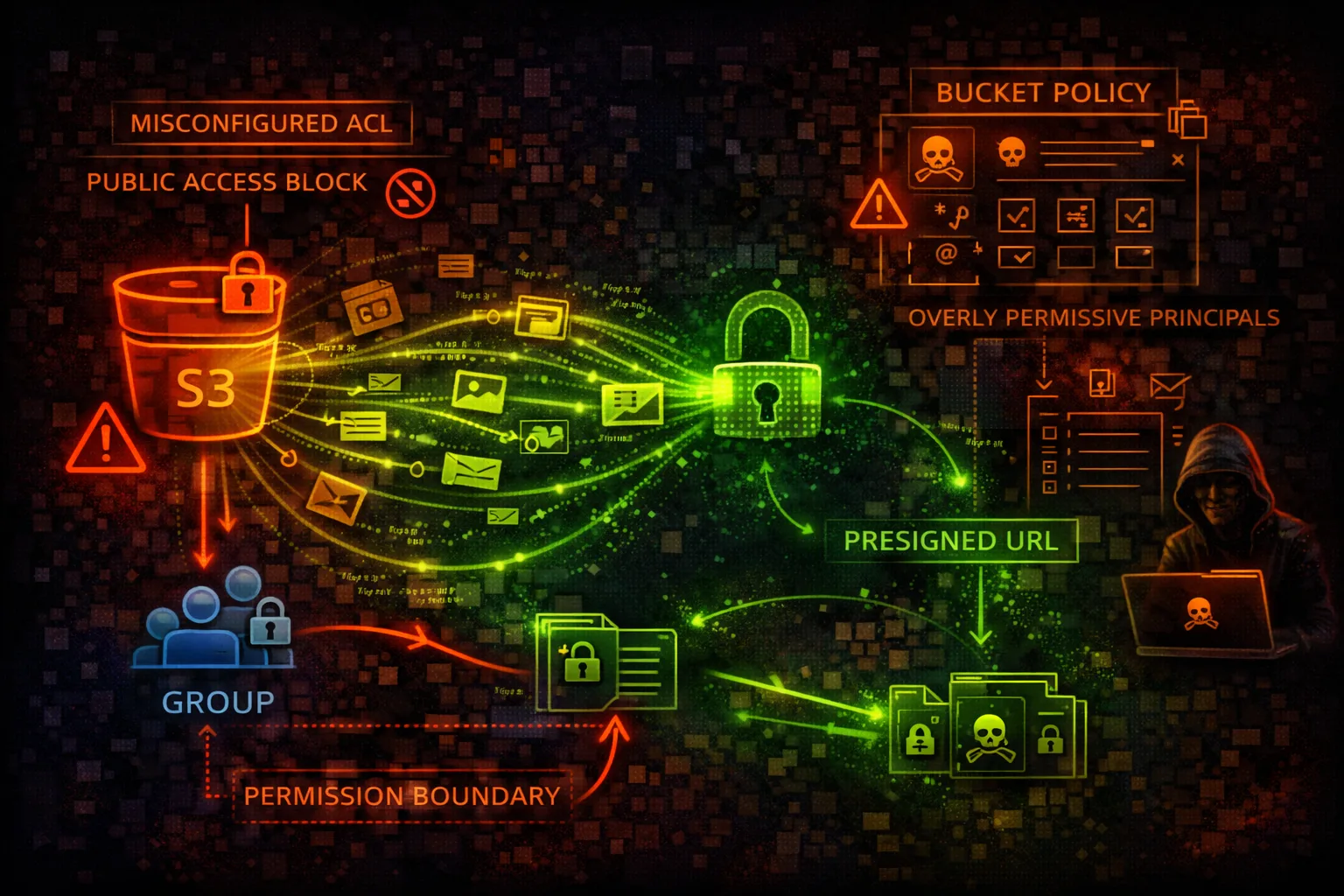

AWS S3 Security
STORAGESimple Storage Service (S3) provides object storage with bucket policies and ACLs controlling access. S3 is the #1 source of cloud data breaches due to misconfigured public buckets and weak policies.
📋Service Overview
Bucket Access Controls
S3 uses bucket policies (resource-based) and ACLs (legacy) to control access. Block Public Access settings provide account-level and bucket-level guardrails against accidental exposure.
Attack note: Public buckets are discovered within hours using automated scanning tools
Data Access Methods
Objects can be accessed via API, CLI, Console, or pre-signed URLs. Pre-signed URLs grant temporary access without requiring AWS credentials - often leaked or misconfigured.
Attack note: SSRF vulnerabilities can access private buckets via EC2 instance roles
Security Risk Assessment
S3 misconfigurations are responsible for the majority of cloud data breaches. Public buckets, overly permissive policies, and lack of encryption expose sensitive data to the internet.
⚔️Attack Vectors
Public Exposure
- •Public buckets with sensitive data
- •Bucket policy allows Principal: *
- •ACL grants public-read or public-read-write
- •Block Public Access disabled
- •Website hosting exposes directory listing
Access Abuse
- •Pre-signed URL leaked or shared
- •SSRF to access private buckets
- •Cross-account access too permissive
- •Versioning disabled - data destruction
- •Replication to attacker bucket
⚠️Misconfigurations
Policy Issues
- •Principal: * without conditions
- •s3:* action allowed broadly
- •No VPC endpoint restriction
- •Missing aws:SecureTransport condition
- •Cross-account access too wide
Security Settings
- •Block Public Access disabled
- •No server-side encryption
- •Object Lock not enabled
- •Access logging not configured
- •MFA Delete not enabled
🔍Enumeration
aws s3 lsaws s3 ls s3://bucket-name --recursiveaws s3api get-bucket-policy --bucket NAMEaws s3api get-bucket-acl --bucket NAMEaws s3api get-public-access-block \
--bucket NAME📤Data Exfiltration
Bulk Download
- •aws s3 sync - download entire bucket
- •List and download specific prefixes
- •Access all object versions
- •Download via pre-signed URLs
- •Stream objects to external storage
Replication Abuse
- •Configure cross-region replication
- •Replicate to attacker-controlled bucket
- •Batch operations for bulk export
- •S3 Access Points for data access
- •Use Object Lambda to exfil
Gold Mine: Backup buckets often contain database dumps, logs with credentials, and configuration files.
📝Object Manipulation
Write Access Abuse
- •Overwrite website index.html
- •Upload malicious JavaScript
- •Replace application configs
- •Plant backdoors in deployments
- •Modify log files to hide tracks
Destruction
- •Delete objects and versions
- •Ransomware - encrypt objects
- •Modify bucket lifecycle rules
- •Delete bucket (if empty)
- •Disable versioning first
🛡️Detection
Logging & Monitoring
- •S3 Server Access Logs
- •CloudTrail data events
- •CloudWatch metrics
- •Macie sensitive data findings
- •GuardDuty S3 protection
Indicators of Compromise
- •Unusual GetObject patterns
- •Mass downloads from new IPs
- •Public access configuration changes
- •Bucket policy modifications
- •Cross-account access from unknown
💻Exploitation Commands
aws s3 sync s3://target-bucket ./lootaws s3 cp malicious.html s3://bucket/index.htmlaws s3api put-bucket-acl \
--bucket NAME --acl public-readaws s3 ls s3://bucket-name --no-sign-requestaws s3 presign s3://bucket/secret.txt \
--expires-in 604800aws s3api delete-objects --bucket NAME \
--delete "$(aws s3api list-object-versions \
--bucket NAME --query '{Objects: Versions[].{Key:Key,VersionId:VersionId}}')"📜S3 Bucket Policy Examples
{
  "Version": "2012-10-17",
  "Statement": [{
    "Effect": "Allow",
    "Principal": "*",
    "Action": "s3:*",
    "Resource": ["arn:aws:s3:::bucket/*"]
  }]
}
Anyone on the internet can read, write, and delete all objects
{
  "Version": "2012-10-17",
  "Statement": [{
    "Effect": "Allow",
    "Principal": {"AWS": "arn:aws:iam::123456789012:role/AppRole"},
    "Action": ["s3:GetObject"],
    "Resource": "arn:aws:s3:::bucket/data/*",
    "Condition": {
      "StringEquals": {"aws:SourceVpc": "vpc-12345"}
    }
  }]
}
Only specific role can access, and only from within VPC
{
  "Version": "2012-10-17",
  "Statement": [{
    "Effect": "Allow",
    "Principal": {"AWS": "*"},
    "Action": ["s3:GetObject", "s3:PutObject"],
    "Resource": "arn:aws:s3:::bucket/*"
  }]
}
Any authenticated AWS user can read/write - not just your account
{
  "Version": "2012-10-17",
  "Statement": [{
    "Effect": "Deny",
    "Principal": "*",
    "Action": "s3:*",
    "Resource": "arn:aws:s3:::bucket/*",
    "Condition": {
      "Bool": {"aws:SecureTransport": "false"}
    }
  }]
}
Deny all requests not using HTTPS - prevents data interception
🛡️Defense Recommendations
Block Public Access
Enable at account and bucket level - this is the most important setting.
aws s3api put-public-access-block --bucket NAME \
  --public-access-block-configuration \
  BlockPublicAcls=true,IgnorePublicAcls=true,\
BlockPublicPolicy=true,RestrictPublicBuckets=trueEnable Default Encryption
SSE-S3, SSE-KMS, or SSE-C for all objects automatically.
aws s3api put-bucket-encryption --bucket NAME \
--server-side-encryption-configuration ...Enable Versioning
Protect against accidental deletion and ransomware attacks.
aws s3api put-bucket-versioning --bucket NAME \
--versioning-configuration Status=EnabledEnable Access Logging
Track all access to bucket for security monitoring.
aws s3api put-bucket-logging --bucket NAME \
--bucket-logging-status ...Use VPC Endpoints
Restrict bucket access to within your VPC only.
"Condition": {"StringEquals": \
{"aws:SourceVpc": "vpc-xxx"}}Enable Macie
Discover and protect sensitive data automatically.
aws macie2 enable-macie && \
aws macie2 create-classification-job ...
AWS S3 Security Card • Toc Consulting
Always obtain proper authorization before testing